
Open your listing and choose the Analytics tab. Pick a period: Today, Yesterday, or the last 7, 28 or 90 days.
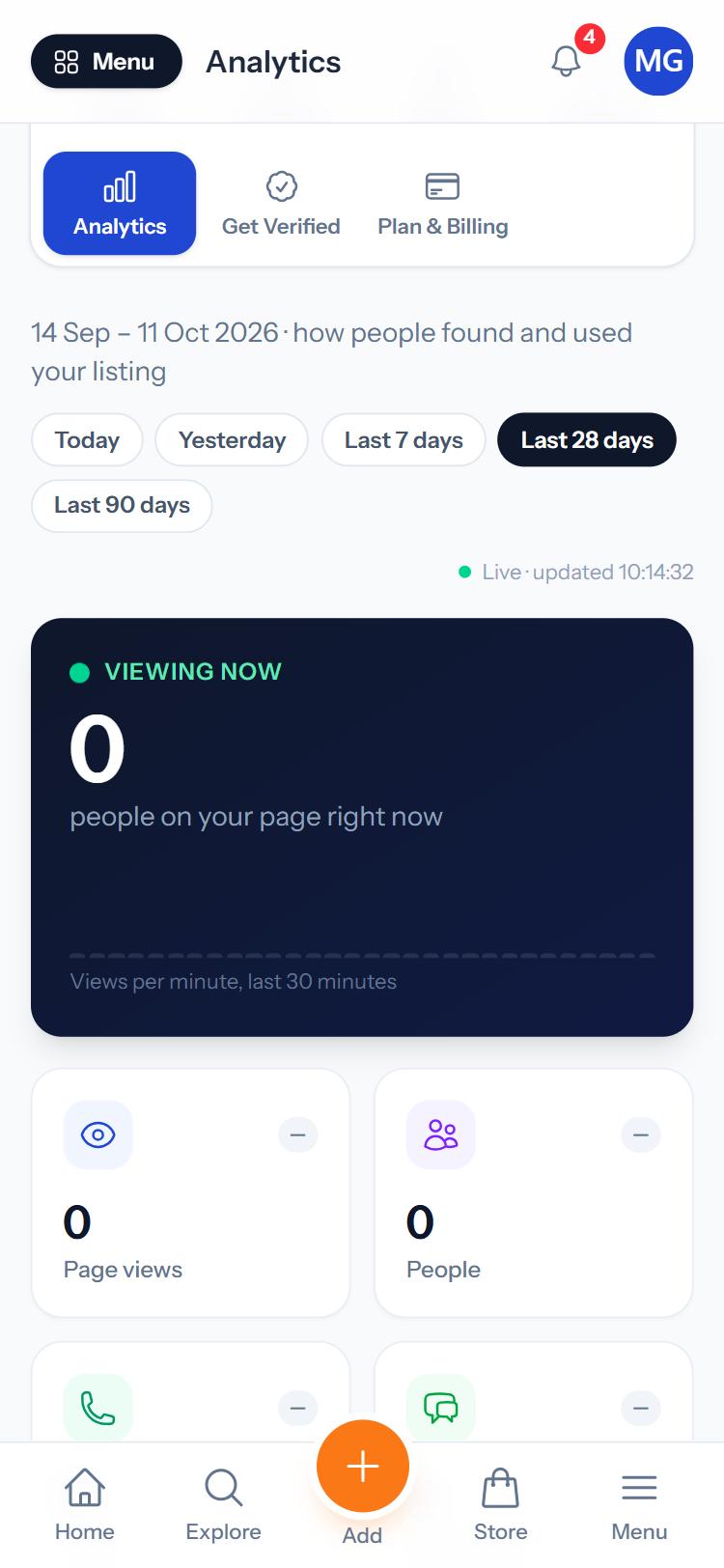
- Viewing now: people on your page right now.
- Page views and People: how many times and by how many people your page was opened.
- Calls, WhatsApp and Directions: how many people contacted you or asked for directions.
- Contact rate: the share of visitors who contacted you.
- How they found you, devices, browsers, countries and cities.
Was this guide helpful?
Your answer helps us make the guides better.
Thanks! Glad it helped.
Sorry about that. Tell us what you need and we will help you directly.
