
A free account lets you save places, write reviews and add your business.
Sign up
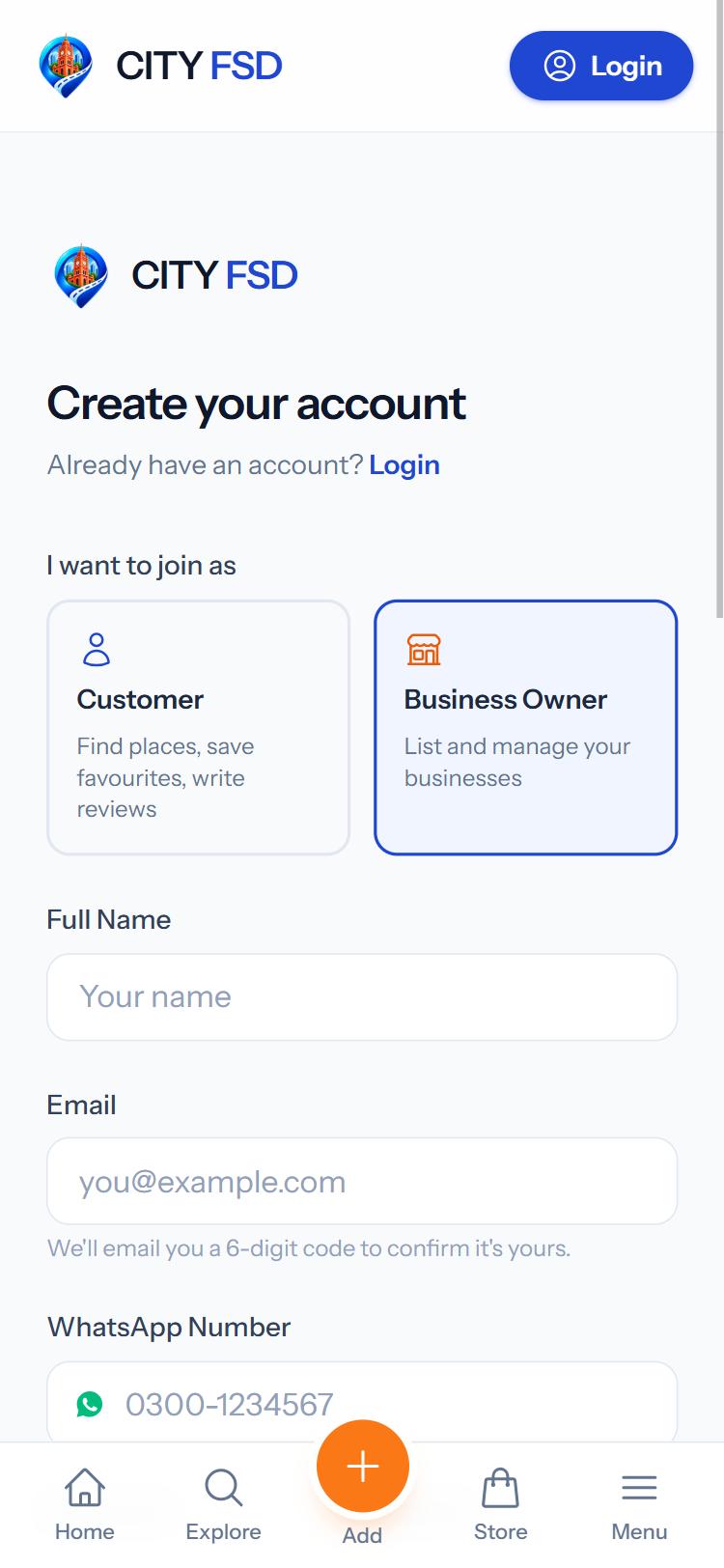
- Tap Login at the top, then Create an account.
- Under I want to join as, choose Customer (find places, save favourites, write reviews) or Business Owner (list and manage your businesses).
- Fill in your Full Name, Email, WhatsApp Number (a Pakistani mobile number, e.g. 0300-1234567) and a Password of at least 8 characters.
- Press Continue. We send you a 6-digit code on WhatsApp or by email.
- Type the code and press Verify & Create Account.
Didn't get the code?
- Wait a minute, then tap Resend code.
- Check that the number or email is right. Tap Wrong number/email? Go back to fix it.
- The code works for 10 minutes.
Business owners go straight to Add your business after signing up. Customers go to their dashboard.
Was this guide helpful?
Your answer helps us make the guides better.
Thanks! Glad it helped.
Sorry about that. Tell us what you need and we will help you directly.
